Using the Search function
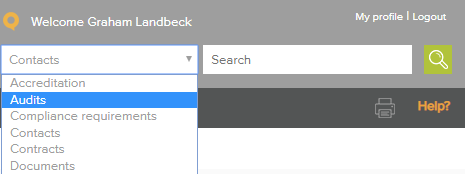
Select Audits in the Search drop down and type a key work or Audit ID number into the search field and click  or press return/enter on your keyboard.
Using the Column filter
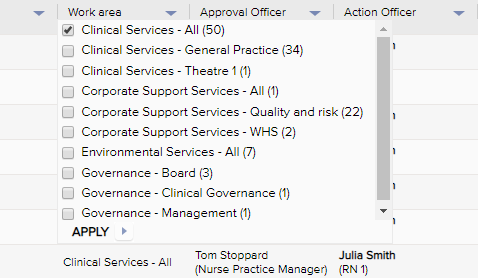
Click on the blue triangles to open the column filter, select the categories relating to your search and select 'Apply'.
Using Advanced filters
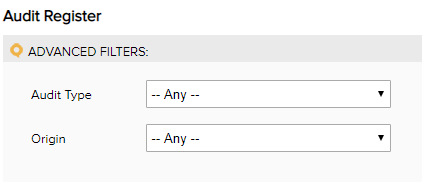
Click open on the Advanced filter bar. Use the date fields and drop down menus to define your search.
Select 'Apply Filter'
Using the Sort function

Click on the Column heading to sort alphabetically and numerically. Click again to reverse the sort.
Using the Browse option

Use the paging bar to move through the list of items. By default 15 items per page are displayed. This can be changed by selecting another range on the drop down box - 'Items per page'
Note: If you do not have permission to view an Audit item, it won't appear your register view.
Comments
Article is closed for comments.