There are 3 standard report sets within the LOGIQC QMS platform
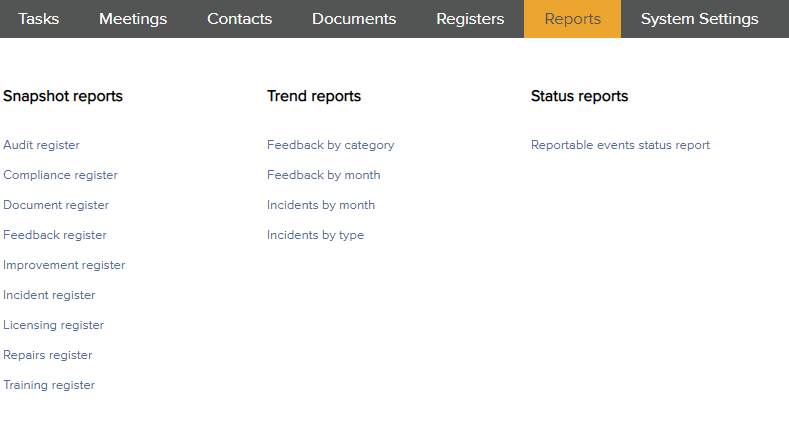
Snapshot reports
As the name suggests, these reports provide a brief snapshot across all registers regarding the performance of your LOGIQC items across a user defined time frame.
For more information, refer to the article: How to run a Snapshot report
Trend reports
Trend reports allow you to run trend reports on your feedback and incident items by category or month. Select the relevant trend report, fill out the fields and select 'Run' to generate your report.
Below is an example of filling out the fields of a 'Feedback trend report by category' report.

Status reports
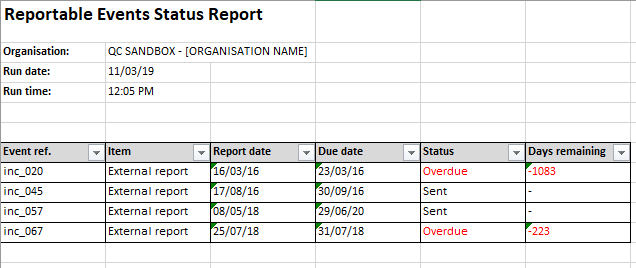
A status report will generate an excel report which will show the current status of all reportable events.
Below is an example of a generated status report.
Comments
Article is closed for comments.