To reset your LOGIQC QMS password:
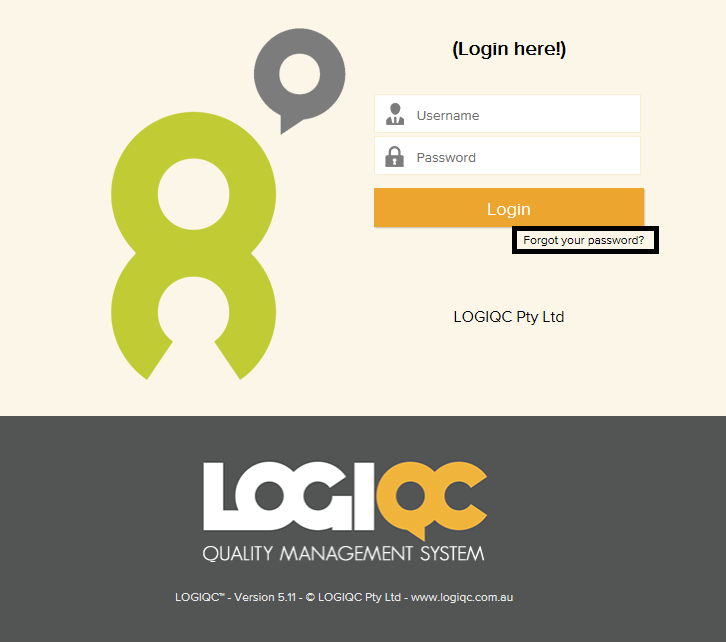
Click on 'Forgot your password' on the login screen
Enter your username and tick the reCAPTCHA box 'I'm not a robot' and select 'Send link'. A new password will be sent to your email address (this is the address that is recorded against your contact details in LOGIQC)
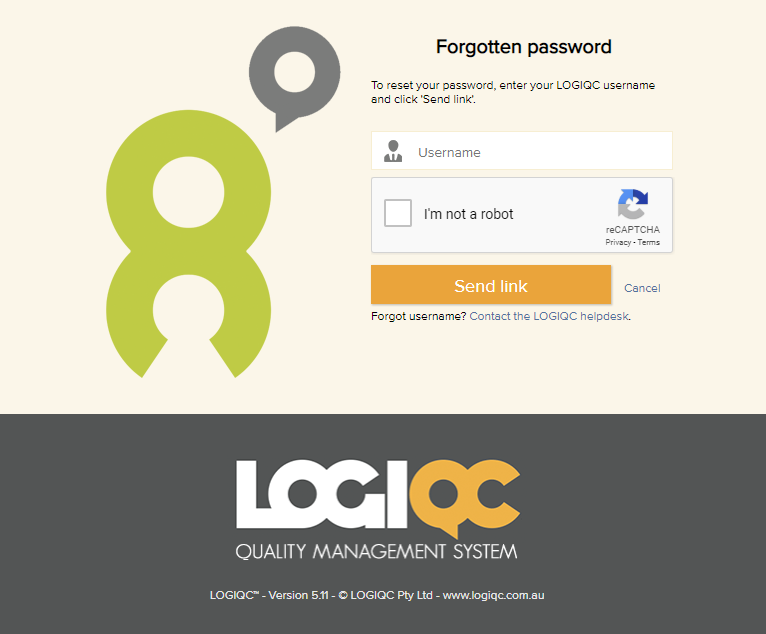
If you can't remember your username, either contact your LOGIQC administrator or click on the link 'Contact the LOGIQC Helpdesk'
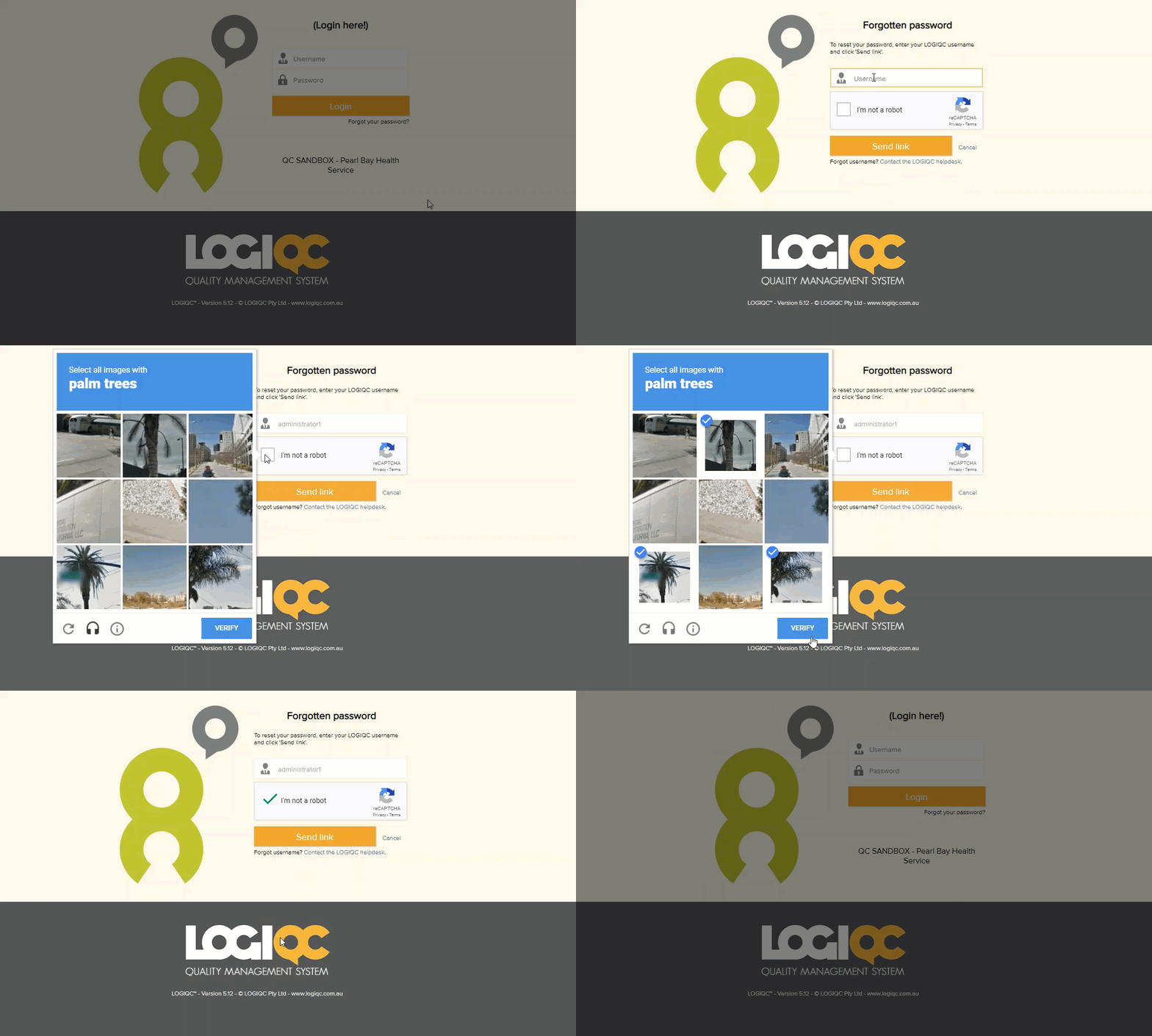
Demonstration below:
Comments
Article is closed for comments.