Open your Internet browser (eg. Internet Explorer, Google Chrome, Mozzila Firefox or Safari) and go to the web address for your system: eg http://organisation-name.logiqc.com.au
Tip: If you don't know your LOGIQC web address, contact your LOGIQC system administrator within your organisation or contact LOGIQC.
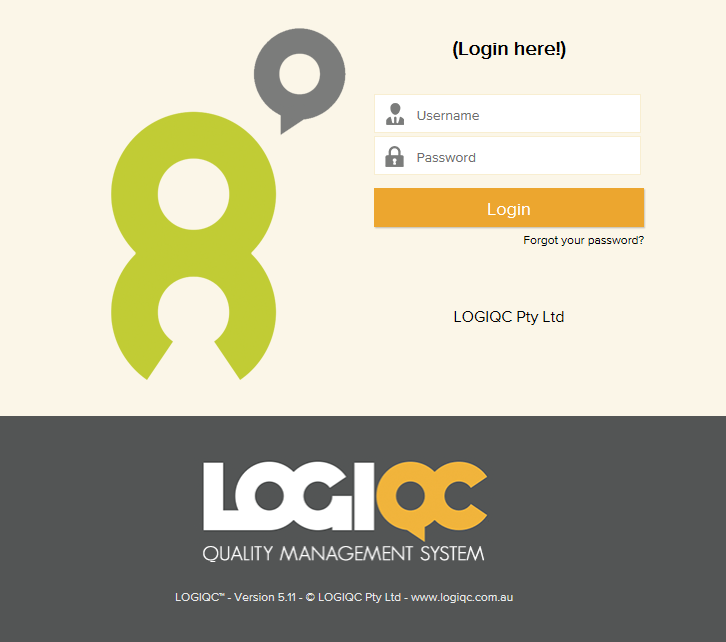
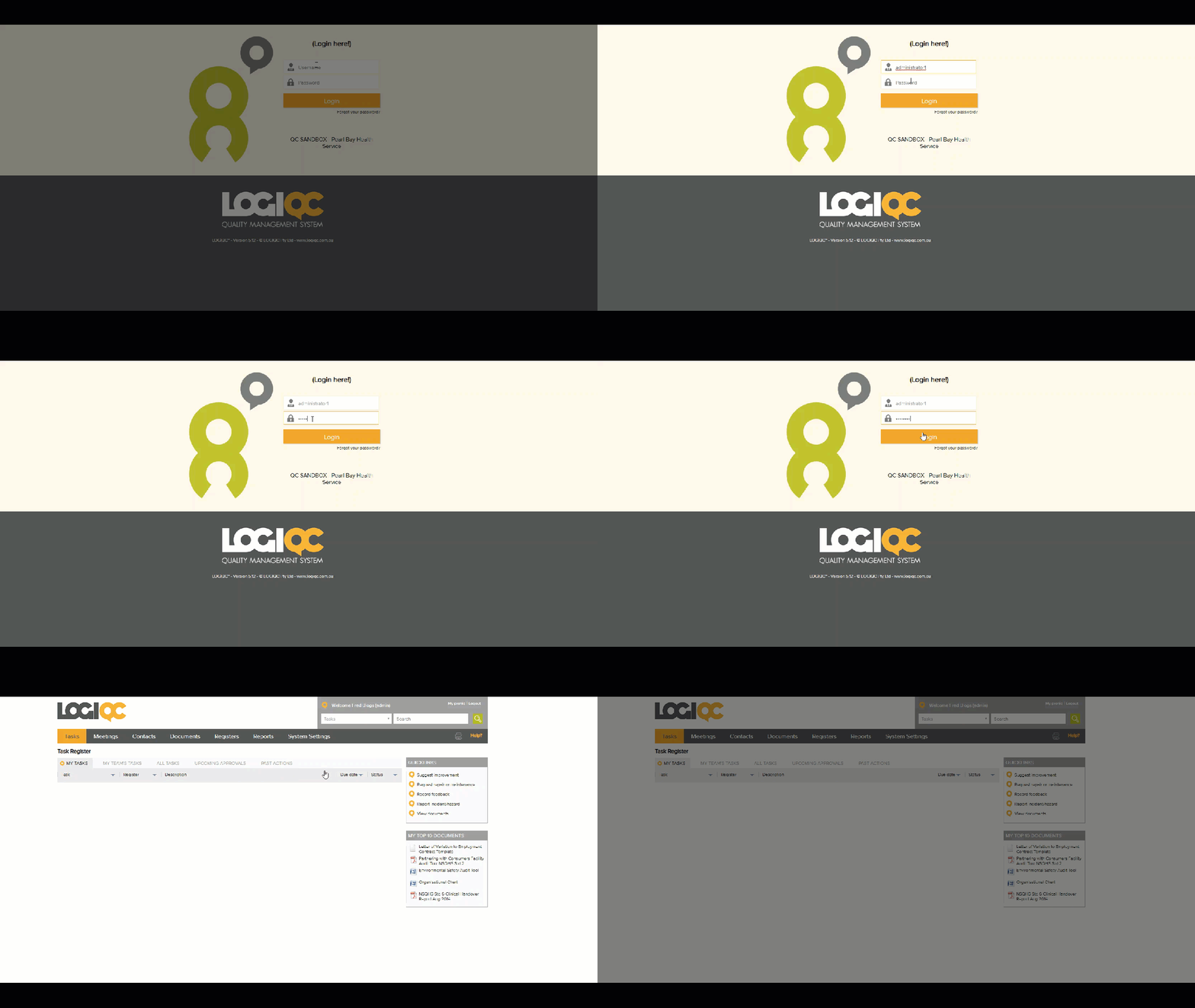
At the log in screen enter your user name and password, and click log in.
Tip: Your Internet browser may ask you if you want to ‘remember password’. Click yes if you want the computer to remember your LOGIQC password when you next log in or click no for maximum security.
If you aren’t sure of your username or password contact your LOGIQC system administrator or click on the ‘Forgot your password?’ link.
Demonstration below:
Comments
Article is closed for comments.