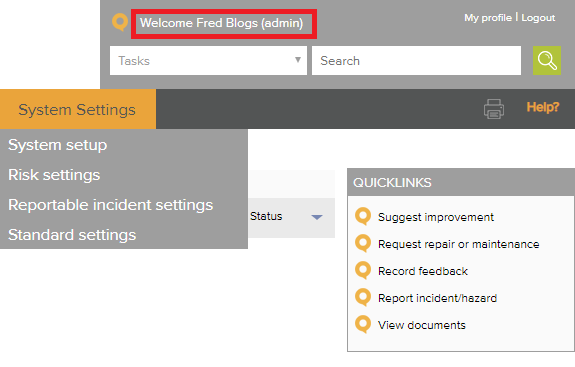
You must be logged in as the Administrator to remove/hide items
There are two options available:
Option one
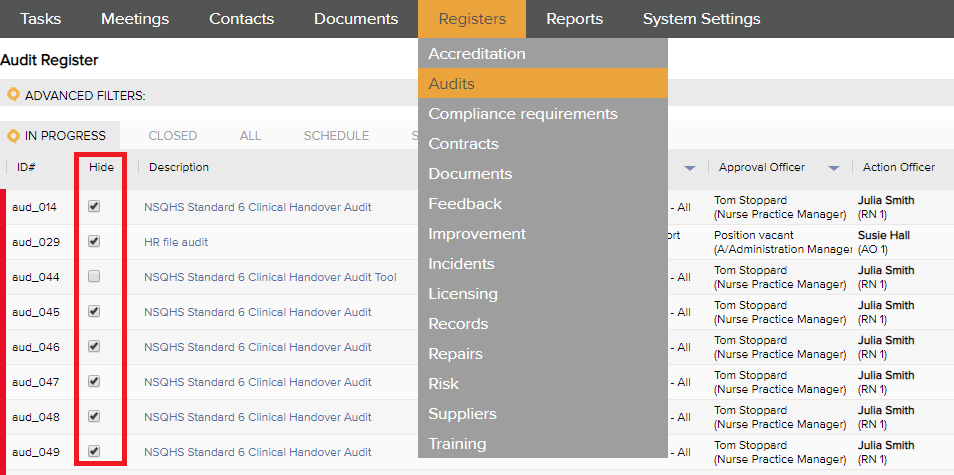
Go to the register item to be terminated and check the 'hide' box next to the item. This terminates the task and removes the item from the view of all users. The item will remain visible to the System Administrator but other users will no longer see the item.
Option two (For scheduled items eg Compliance, Audit, Training and Licensing)
- Open the item to be hidden and select 'Close and halt' or 'Close and skip'
- Click save
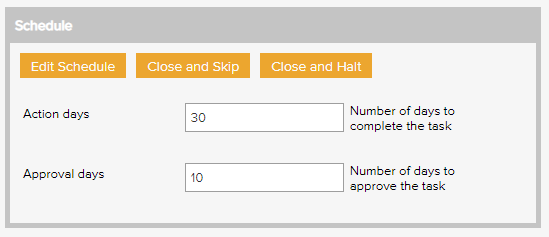
'Close and halt' will terminate the schedule and move the item to the closed tab. No further scheduled items will be generated.
'Close and skip' will move the item to the closed tab and generate the next occurence of the item.
You can then hide the item (optional) by going to the Closed tab and checking the 'hide' box next to the item.
Comments
Article is closed for comments.