To re-set a user's password:
- Log in as System Administrator
- Go to Contacts and open the user's profile
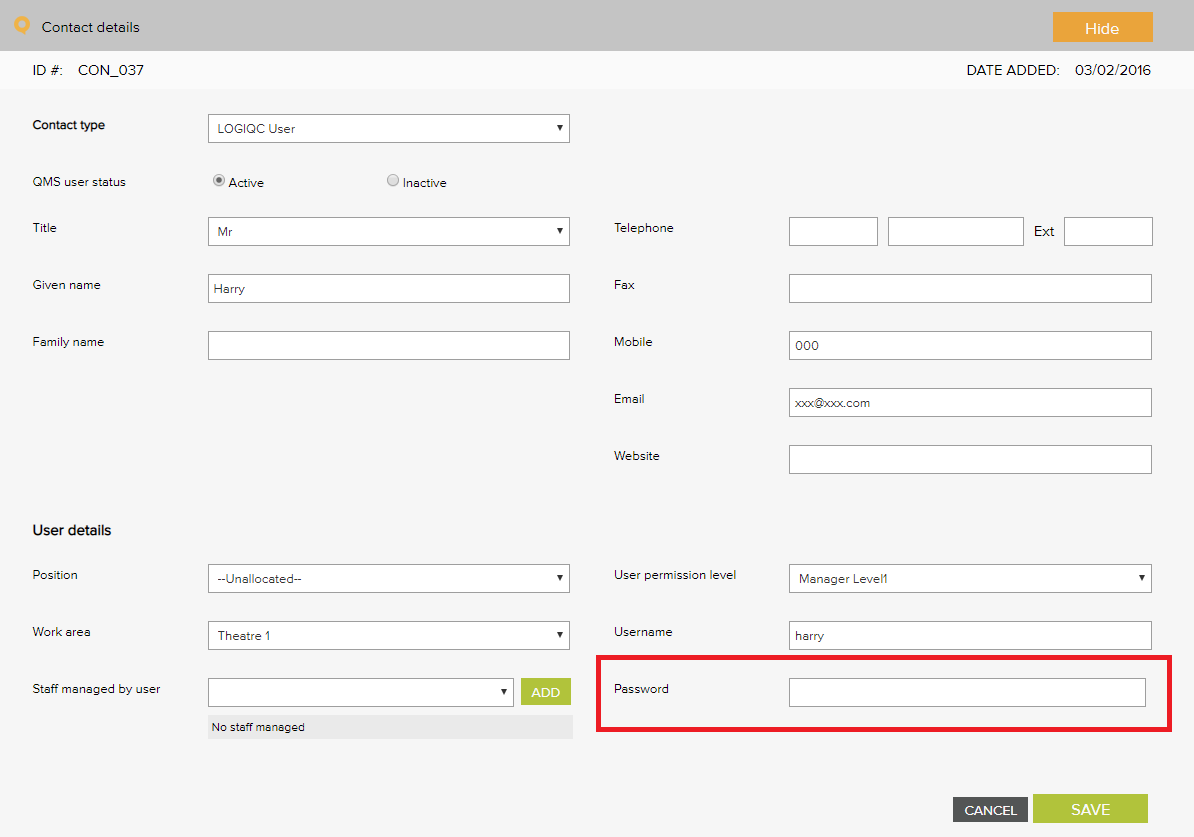
- Type a new password in the Password field and click save.
- Advise the user to log-in, select 'My profile' and update/personalise their password.

To re-set a user's password:
Comments
Article is closed for comments.